TRAVEL TECHNOLOGY LANE
Best Travel Apps: The Ones That Actually Help When Travel Gets Messy
The best travel apps are not the ones that look clever in an app store screenshot. They are the ones you actually use when your train is late, your hotel address is in another language, and your roaming data is behaving like a sulky teenager.
My approach is simple: build a small, tested travel app stack before you leave home. Not 47 apps. Not digital clutter. Just the tools that help with maps, language, bookings, money, transport, safety, and a little sanity.
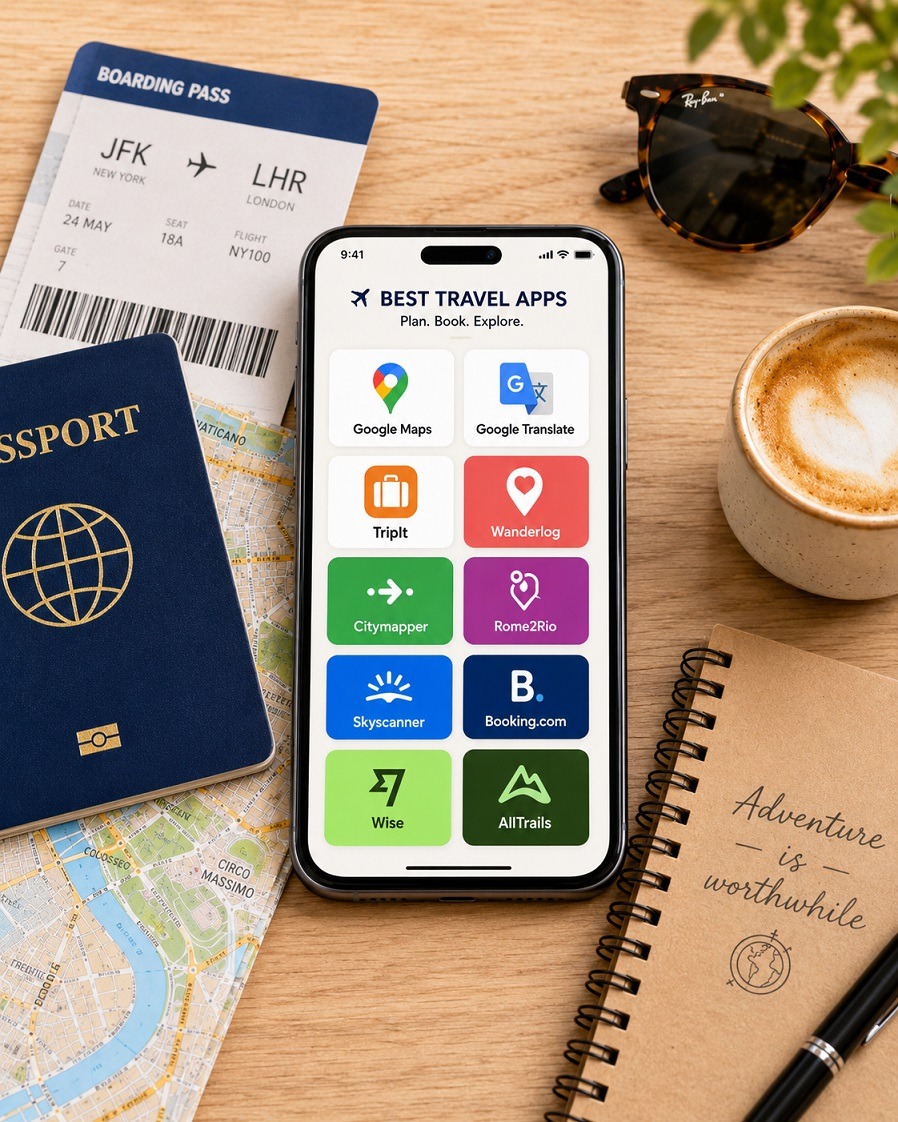
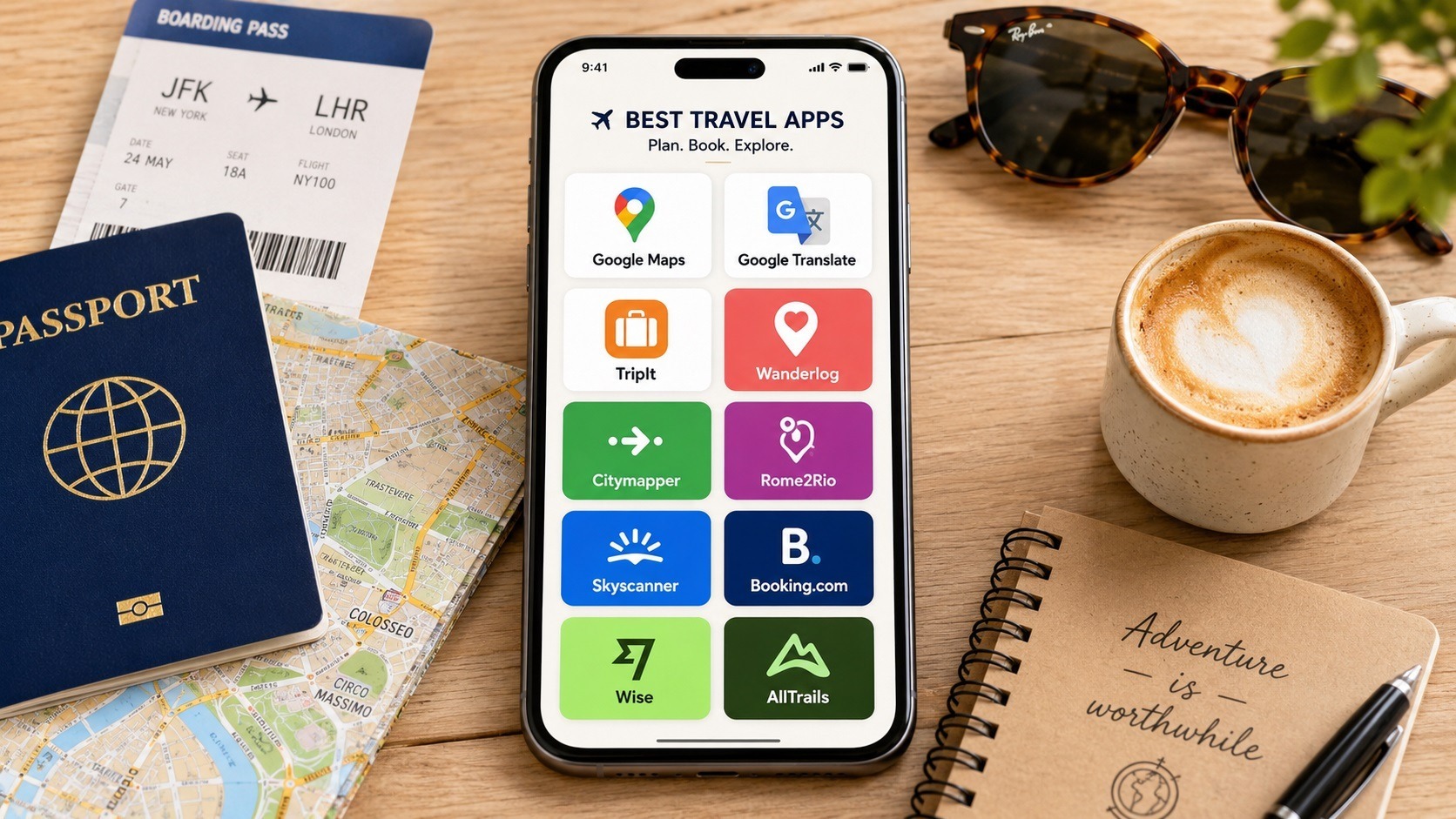
At a Glance: The Best Travel Apps to Download First
If you only want the practical answer, start with these. They cover the problems that actually appear on the road: finding your way, translating the world, managing bookings, comparing routes, handling money, and keeping travel days from becoming a circus.
- Best map app: Google Maps
- Best translation app: Google Translate
- Best itinerary app: TripIt or Wanderlog
- Best city transport app: Citymapper
- Best route planning app: Rome2Rio
- Best flight research app: Skyscanner
- Best accommodation app: Booking.com
- Best money app: Wise or a trusted currency converter
- Best hiking app: AllTrails
- Best travel journal app: Polarsteps
Apps are useful. Unopened apps you have never tested are just decorations on your phone.
My Simple App Rule
Every travel app should earn its place. If it does not help you move, understand, book, pay, remember, or stay safe, it probably belongs in the digital bin.
- Use before departure: planning, bookings, maps, offline files.
- Use during travel: navigation, translation, currency, transport.
- Use after travel: memories, photos, journals, notes.
Download, log in, test, and save key information before you travel. The airport queue is not the place to discover your password has gone on holiday without you.
The Essential Travel App Stack
Think of this as your phone’s travel toolbox. Not glamorous. Not bloated. Just useful when the day gets complicated.
Google Maps
For saved places, offline maps, walking routes, reviews, and getting un-lost with dignity.
Google Translate
For menus, signs, short conversations, food allergies, and those small daily moments.
TripIt
For turning confirmation emails into one clean itinerary instead of a swamp of PDFs.
Wanderlog
For visual planning, day-by-day routes, saved places, and group trip structure.
Citymapper
For major-city transport when the metro map looks like spaghetti after a family argument.
Rome2Rio
For figuring out whether a route is practical by train, bus, ferry, car, or flight.
Skyscanner
For flight research, flexible dates, route ideas, and checking the rough price landscape.
Booking.com
For hotels, apartments, guesthouses, free-cancellation filters, and recent guest reviews.
Wise
For international money movement, multi-currency balances, and spending abroad where available.
AllTrails
For hikes, walks, trail reviews, difficulty checks, photos, and outdoor route planning.
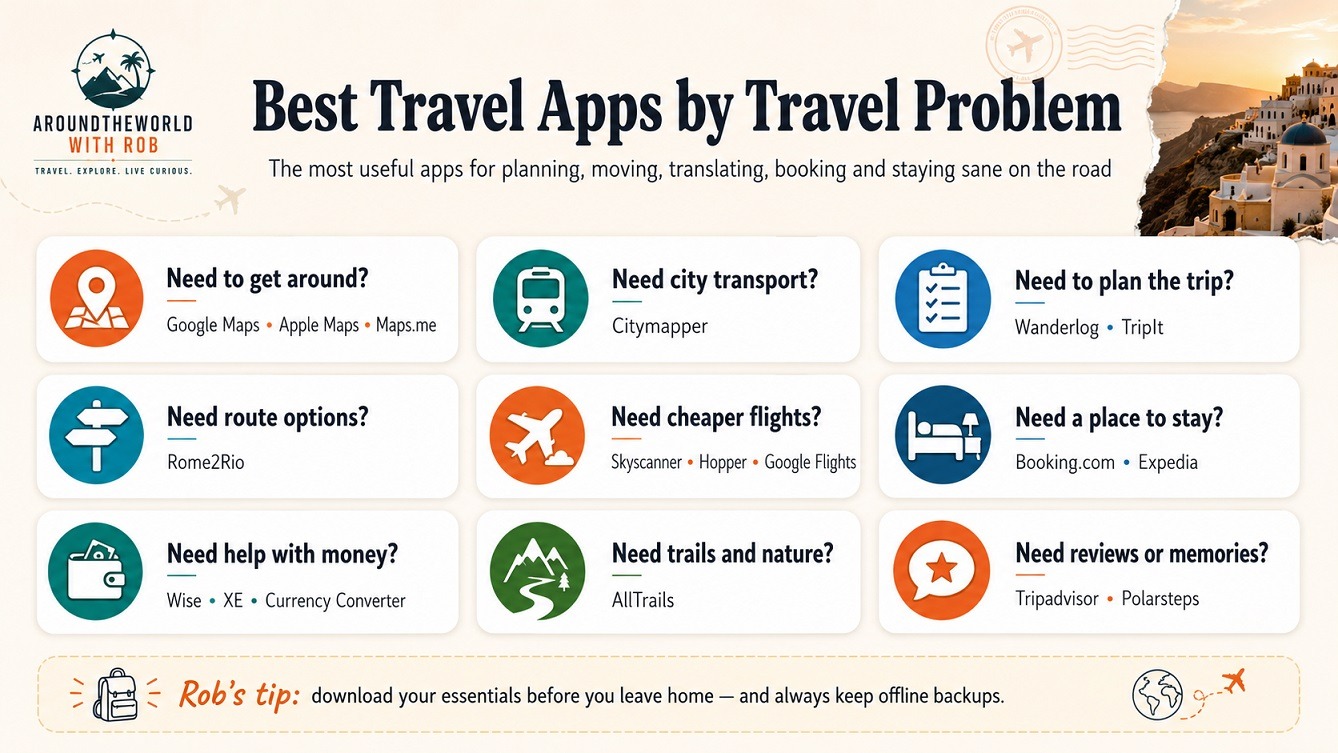
Maps and Movement: Apps That Stop You Looking Lost
Navigation apps are the first layer of travel confidence. They help you choose where to stay, how far things really are, and whether that “short walk” is actually a sweaty pilgrimage.
Google Maps
Google Maps remains the default travel map app for a reason. It handles walking, driving, public transport, saved places, business reviews, offline maps, and basic local discovery.
Before a trip, I would save my hotel, train station, airport, key sights, a few restaurants, and one or two emergency backup places.
Save your important places, yes. But don’t turn every city into a military operation. Some of the best travel moments happen between the pins.
Citymapper
Citymapper is excellent in major cities where its coverage is strong. It helps with metro, bus, walking combinations, route alternatives, live timings, and public transport confidence.
It is especially useful in cities where the transport system is brilliant but not exactly whispering sweet explanations into your ear.
London, Paris, New York, Tokyo, Berlin, Singapore, and other large urban networks.
Planning Apps: For When Your Trip Has Too Many Moving Parts
A good planning app should reduce the mental clutter. If it makes you feel like you are project-managing a moon landing, it has missed the point.
TripIt
TripIt is useful if your bookings are scattered across emails, PDFs, airline apps, hotel portals, and that one confirmation message you know you saw somewhere.
It pulls the pieces into a single itinerary, which is exactly what you need when the travel admin starts breeding in the dark.
Wanderlog
Wanderlog suits travelers who like seeing the trip visually: days, places, routes, maps, saved restaurants, and group plans. It is especially good for road trips, multi-city routes, and longer journeys.
If TripIt is the filing cabinet, Wanderlog is the route board.
Flights and Beds: Apps for Booking Without Losing the Plot
These apps are useful for research and comparison. However, I still believe in booking direct when the price difference is small and the trip matters.
Skyscanner
Skyscanner is useful for comparing routes, dates, airlines, and rough fare levels. It is especially helpful when you are still exploring options.
Use Skyscanner to research. Then, when the difference is small, book direct with the airline. The cheapest middleman can become very expensive when something goes wrong.
Booking.com
Booking.com is useful for accommodation searches, free-cancellation filters, map-based browsing, guest reviews, and quick comparison between hotels, apartments, and guesthouses.
Read the recent reviews. Not the poetic ones from 2019. The recent ones. That is where the truth usually crawls out from behind the curtain.
Money Apps: Because Mental Maths in a Market Is Not a Personality Test
Money apps are not glamorous, but they are quietly useful. They help you understand what you are spending before the budget starts leaking out of your pockets.
Wise
Wise can be useful for international money transfers, multi-currency balances, and spending abroad where supported.
However, it is a financial service, not just another travel toy. Check fees, card availability, country support, limits, and backup options before relying on it.
Currency Converter Apps
A basic currency converter helps with restaurants, markets, taxis, entrance fees, hotel charges, and that moment when you are smiling politely but have no idea if the price is fair.
This is not about becoming a walking accountant. It is about knowing whether the charming local souvenir is a bargain or a small financial ambush.
Translation Apps: Helpful, Humbling, and Occasionally Hilarious
Translation apps can save you embarrassment, confusion, and accidental mystery meals. Use them, but use them with humility.
Google Translate
Google Translate is one of the most useful free travel apps for menus, signs, simple conversations, transport notices, hotel instructions, and food allergy phrases.
iTranslate
iTranslate is a useful alternative, especially if you like its interface or want voice, photo, or paid translation features in a different setup.
Translation apps help you communicate. They do not give you a sudden PhD in Italian hand gestures.
Outdoors, Reviews and Memories: Apps for the Bits Around the Itinerary
AllTrails
AllTrails is useful for hikes, walks, cycling routes, trail reviews, route difficulty, photos, and outdoor planning.
Tripadvisor
Tripadvisor can still help with restaurants, tours, attractions, and review patterns. One angry review is noise. Twenty reviews saying the rooms smell damp is probably a warning.
Polarsteps
Polarsteps is useful for tracking your journey, sharing progress, and building a visual travel journal without turning every evening into a scrapbook shift.

Before You Rely on Any Travel App, Check This
This is the boring bit. Naturally, it is also the bit that saves your backside.
The Practical Checks
- Does the app work offline?
- Does it cover the city or country you are visiting?
- Have you logged in before leaving home?
- Have you saved your bookings offline?
- Does the useful feature require a paid subscription?
- Can you still travel if the app fails?
The Backup Plan
- Keep screenshots of key bookings.
- Save your hotel address in local language where possible.
- Keep emergency contacts offline.
- Store a passport scan securely.
- Carry one backup payment method away from your main wallet.
A little old-school backup is not paranoia. It is travel maturity.
Your Phone Is a Tool, Not the Trip
The best travel apps can make travel smoother, safer, cheaper, and less stressful. But they should support the trip, not swallow it.
Use apps to find your way, protect your money, understand signs, organize bookings, and avoid obvious mistakes. Then put the phone down now and again.
Look up.
That is still where the world is.
Best Travel Apps FAQs
Short answers for travelers who want the useful version, not the app-store poetry.
What is the best travel app overall?
For most travelers, Google Maps is the most useful overall app because it helps with navigation, saved places, reviews, local transport, and offline maps.
What is the best app for planning a trip?
Wanderlog is strong for visual planning, while TripIt is better for organizing booking confirmations into one clean itinerary.
What travel apps should I download before travelling abroad?
Start with Google Maps, Google Translate, TripIt or Wanderlog, Citymapper, Rome2Rio, Skyscanner, Booking.com, Wise or a currency converter, and AllTrails if you plan to walk or hike.
Are free travel apps enough?
Often, yes. Many core travel needs can be handled with free versions. Pay only when a premium feature solves a real problem, such as offline trail maps or advanced itinerary tools.
Should I trust travel apps completely?
No. Use them, but keep offline backups of bookings, addresses, passport scans, insurance details, and emergency contacts.
Join the conversation
Which travel apps have genuinely helped you on the road? Share your favourites, your warnings, and the apps you deleted after one stressful afternoon. Other travelers will thank you for the real-world wisdom.